AstroにTailwind CSSを入れる方法 備忘録
- 07 Nov, 2024
Astroを最初から構築している時にTailwind CSSを入れたくなったので備忘録として記述します。
構築方法
とても簡単でした。下記コマンドを実行します。
npx astro add tailwind
すると、以下のように出ます。
Resolving packages...

  Astro will run the following command:
  If you skip this step, you can always run it yourself later

 ╭───────────────────────────────────────────────────────────╮
 │ npm install @astrojs/tailwind@^5.1.2 tailwindcss@^3.4.14  │
 ╰───────────────────────────────────────────────────────────╯

✔ Continue? … yes
✔ Installing dependencies...

  Astro will generate a minimal ./tailwind.config.mjs file.

✔ Continue? … yes

  Astro will make the following changes to your config file:

 ╭ astro.config.mjs ──────────────────────────────────╮
 │ // @ts-check                                       │
 │ import { defineConfig } from 'astro/config';       │
 │ import mdx from '@astrojs/mdx';                    │
 │                                                    │
 │ import sitemap from '@astrojs/sitemap';            │
 │                                                    │
 │ import tailwind from '@astrojs/tailwind';          │
 │                                                    │
 │ // https://astro.build/config                      │
 │ export default defineConfig({                      │
 │     site: 'https://example.com',                   │
 │     integrations: [mdx(), sitemap(), tailwind()],  │
 │ });                                                │
 ╰────────────────────────────────────────────────────╯

✔ Continue? … yes

   success  Added the following integration to your project:
  - @astrojs/tailwind
すべてyesで選択していると、完了します。
使用方法
global.cssなど
@tailwind base;
@tailwind components;
@tailwind utilities;
これを追加するだけ。
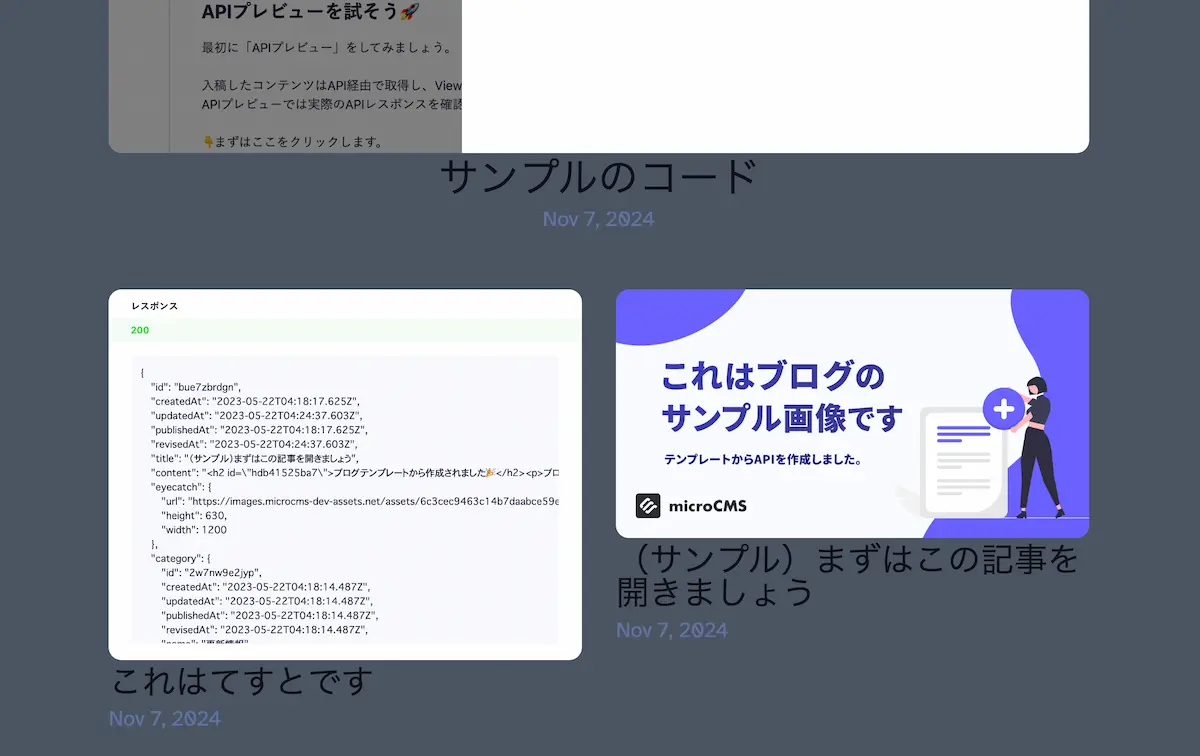
試しにbodyに背景をつけてみます。
<body class="bg-gray-600">
<!-- ここは省略します -->
</body>
↓
TailWind CSS チートシート
基本的にここをみながらクラスをつけます
https://www.creative-tim.com/twcomponents/cheatsheet/
ありがたや🙏
思っていたより簡単で安心しました 🚩